
Compare country, document type, dimensions, channel, and official source.
IDPicMaker tool / visa photo
Visa Photo Maker Online
Prepare a visa photo online with country-specific dimensions, framing guidance, and official source links. Use the country registry and official sources to choose the right workflow before submitting a photo.
Open the passport photo maker ID Visa Photo Maker Online
Original portrait  Natural source
Target framing Size + face guide
Example only · no user photo Keep the face natural
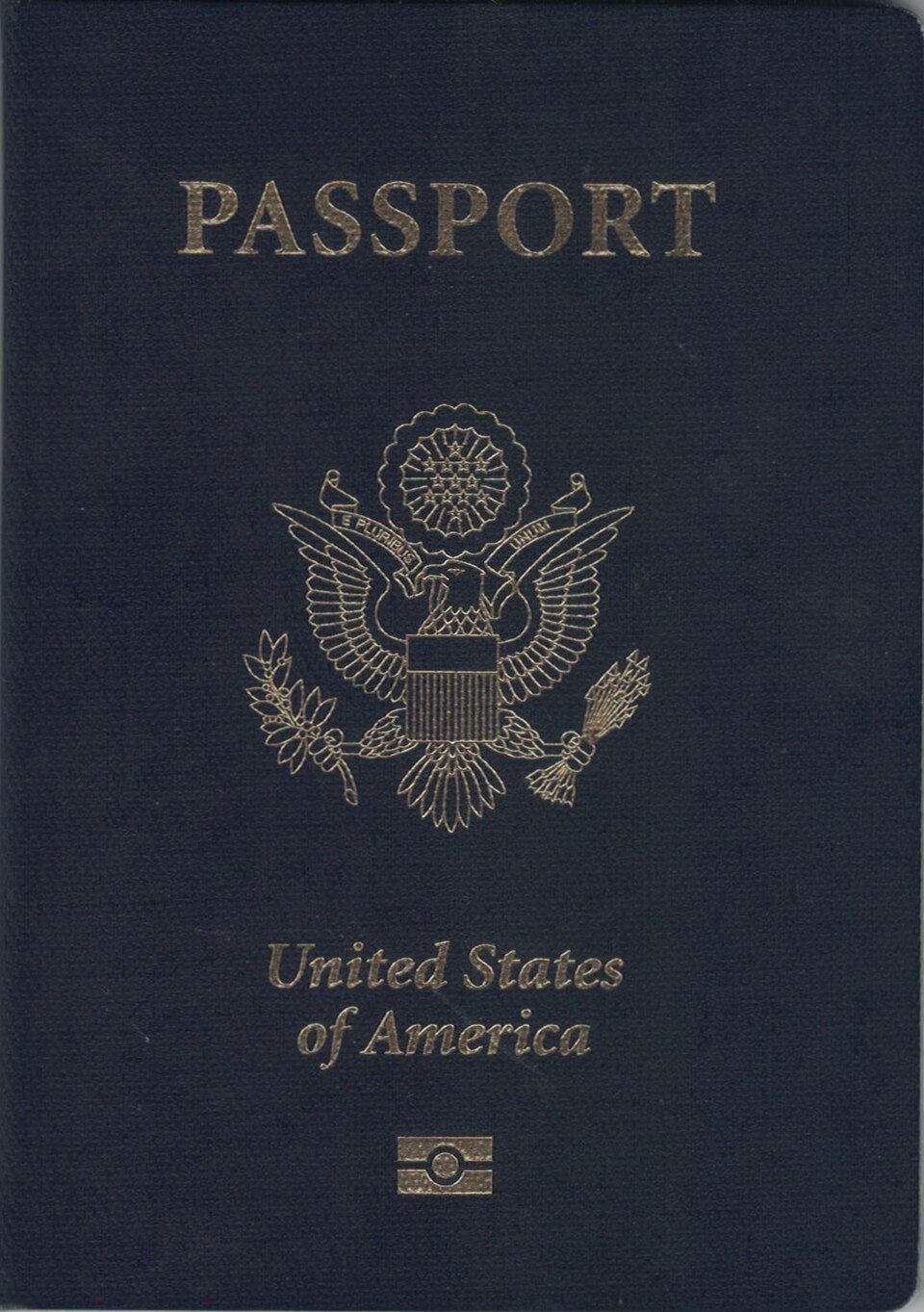
Start with a visa preset
Choose the country and visa channel before you crop
Open the visa tab with the US DS-160 preset or browse the country pages for France, Italy, Schengen, and other visa formats.
Search intent: visa photo
Visa Photo Maker Online with transparent checks
Start with the exact document and country, then choose a clear local image. IDPicMaker keeps crop and resize controls separate from compliance warnings: a warning is not an approval, and a correctly sized file can still be rejected for expression, lighting, glasses, shadows, or a changed requirement.
Crop, rotate, and preview in the browser. No account is required for the local workflow.
Read the generated checklist and re-open the receiving authority’s guidance.
Related long-tail searches
Find the correct passport photo requirement
A US passport photo, a DS-160 visa upload, a France Schengen visa photo, an Italy 35 × 40 mm photo, a Canada passport photo, and a UK digital passport photo are different workflows. Keep the document and channel visible when choosing a template.
Supporting tool / visa photo
Visa Photo Maker Online: use the right step for your application
This supporting tool is designed around a specific search task. Start with the country and document requirement, use the utility for the narrow problem, and return to the official source before you submit the result.
Keep the country visible
A cropper, checker, print sheet, or background guide is only useful when it is tied to the exact passport, visa, or identity document rule.
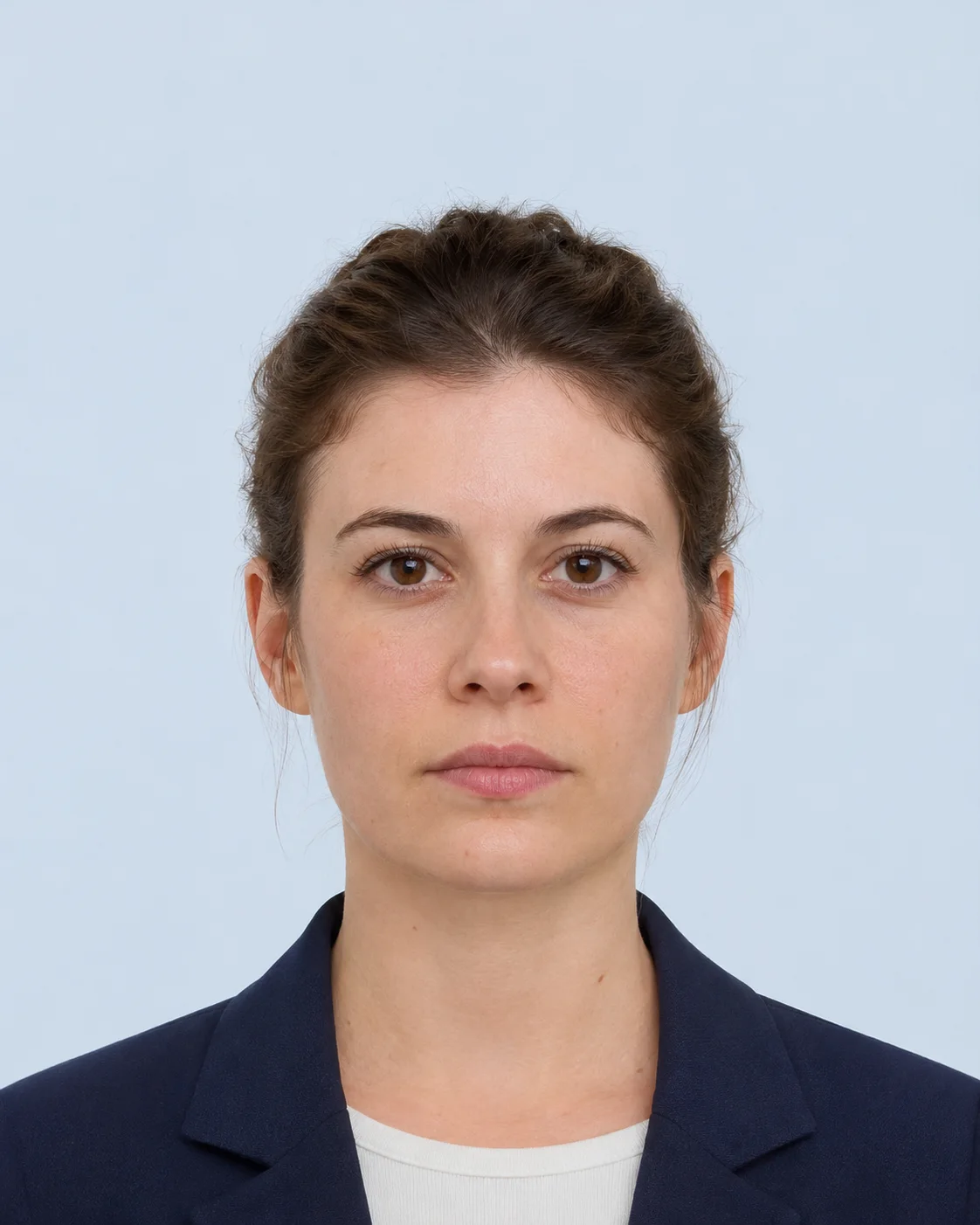
Separate checks from approval
The tool can flag dimensions, file size, framing, or common risks. It cannot guarantee that an authority accepts the person, pose, lighting, or background.
Finish with the correct output
Choose a digital download, an exact-size image, or a local print sheet according to the application channel—not according to the tool name alone.
Define the search intent
Name the country, document, and whether the result is a digital upload or print.
Use the supporting utility
Complete only the conversion, crop, compression, or checklist task you need.
Return to the requirement
Compare the result with the official source and application portal before submission.
Need the complete workflow?Open the country-specific passport photo editor and choose a requirement first.
Open passport photo maker Questions before you submit
Passport photo answers, in one clear place.
Use the selected country profile, then confirm the current receiving-authority rule before final upload or printing.
Open requirements guideDoes this tool upload my photo?
The browser editor works locally. Server processing is optional and creates a temporary result that expires automatically.
Can this tool guarantee acceptance?
No. The receiving authority or application portal has final acceptance and may change its requirements.
Which countries and sizes are supported?
Open the specification registry to compare the active country-specific templates and their official sources.
Can I use a phone photo?
Yes, if the photo is clear, front-facing, and large enough for the target output. The tool warns when the source may be too small.
Can I print the result at home?
The print-sheet tool prepares a digital sheet for local printing. Some authorities require professional photo paper or a studio, so check the selected source.
How long are server results kept?
Optional server-processed files and reports are temporary and are deleted after the configured one-hour TTL.