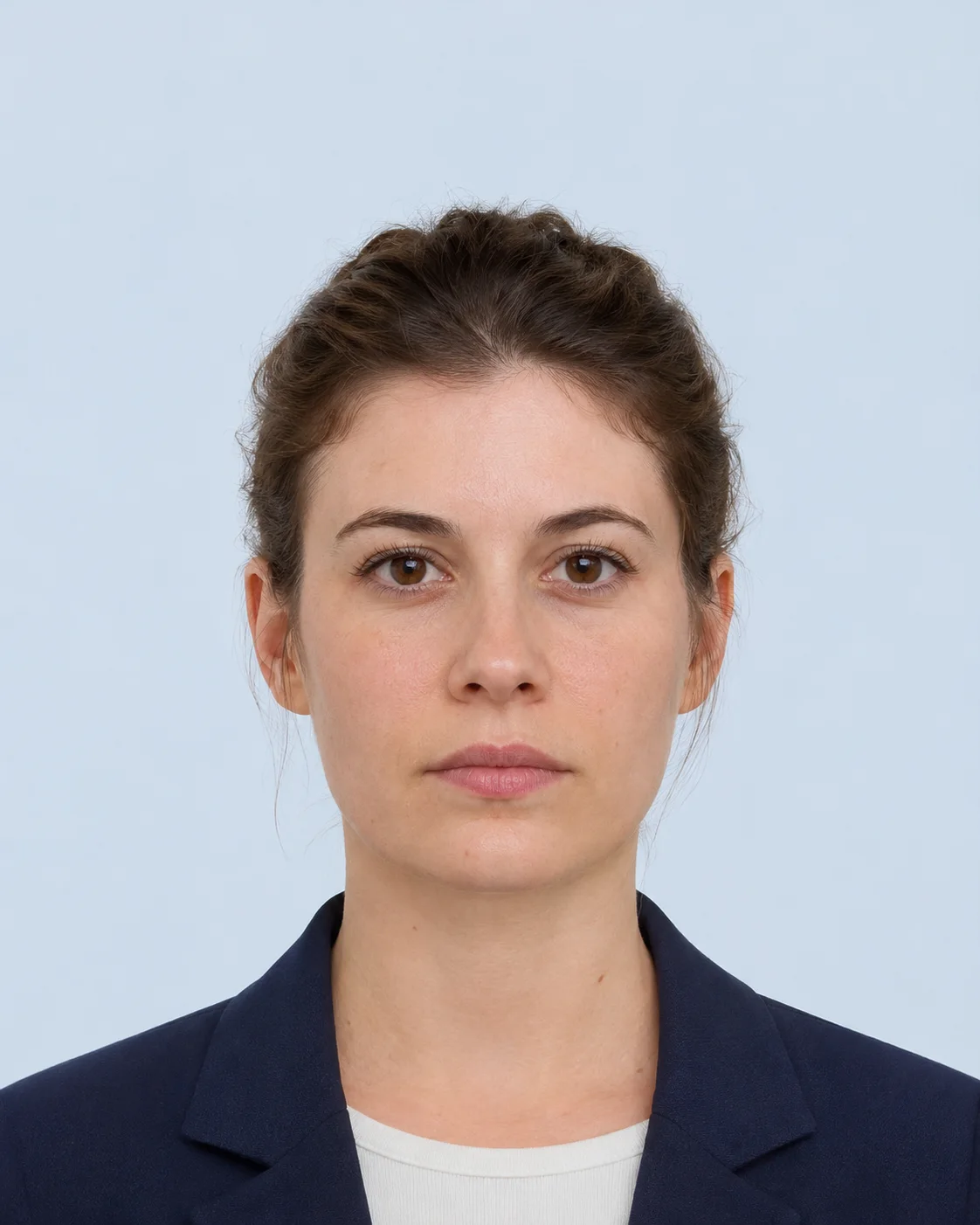
Upload a local photo, choose the country requirement, and see measurable warnings before you crop or submit. The photo stays in this browser; the checker is preparation feedback, not an approval decision.
Check a photo before upload
Start with the same country-specific preset you will use in the photo maker.
No account is needed. No photo upload request is made by this local checker. The receiving authority remains the final source of truth.
The browser editor works locally. Server processing is optional and creates a temporary result that expires automatically.
Can this tool guarantee acceptance?+
No. The receiving authority or application portal has final acceptance and may change its requirements.
Which countries and sizes are supported?+
Open the specification registry to compare the active country-specific templates and their official sources.
Can I use a phone photo?+
Yes, if the photo is clear, front-facing, and large enough for the target output. The tool warns when the source may be too small.
Can I print the result at home?+
The print-sheet tool prepares a digital sheet for local printing. Some authorities require professional photo paper or a studio, so check the selected source.
How long are server results kept?+
Optional server-processed files and reports are temporary and are deleted after the configured one-hour TTL.
Local photo upload
Uploading…
Reading your photo in this browser. Please keep this window open.
 IDPicMaker
 Example preview · upload your own photo to check it