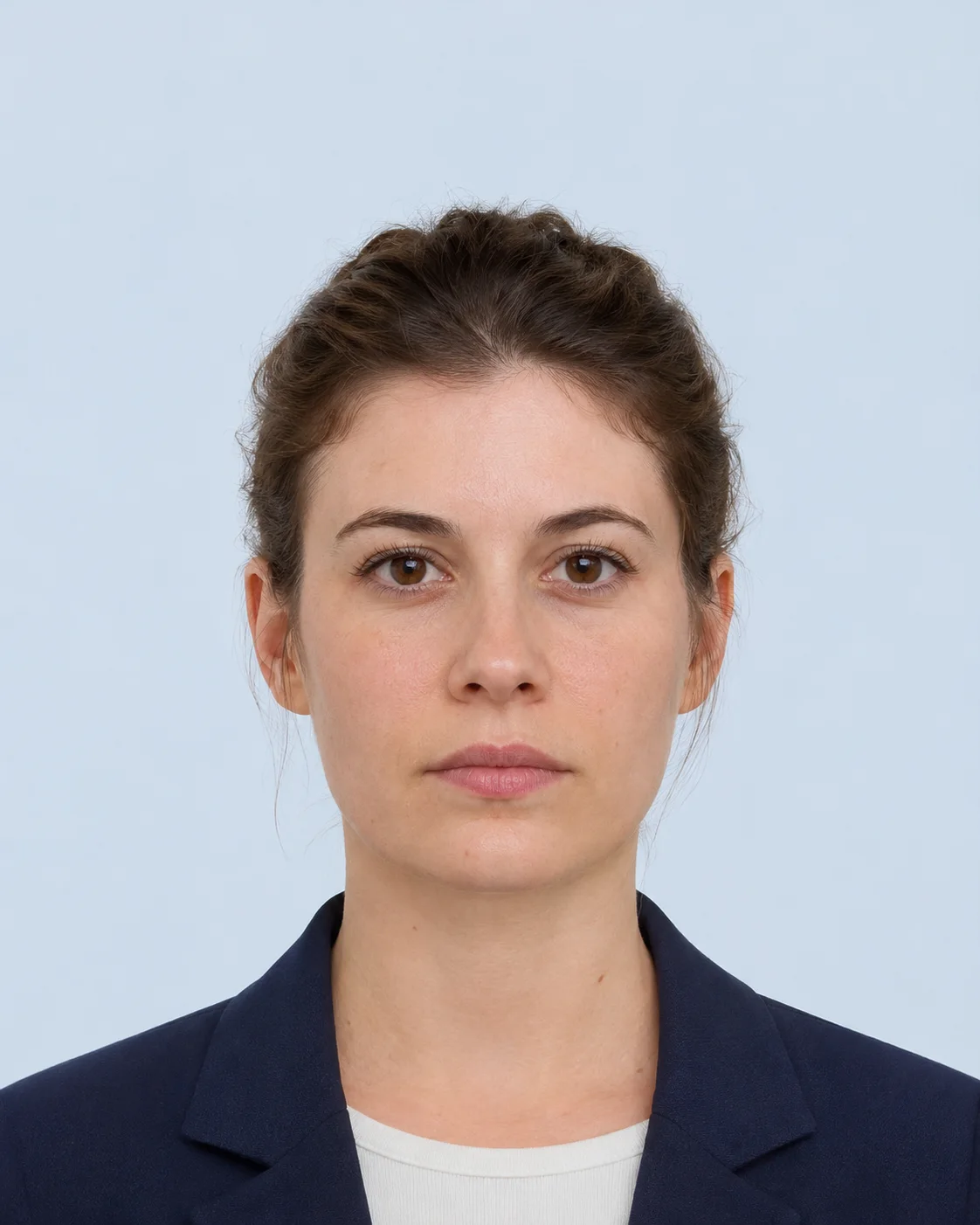
Match the target size
The page shows the registered dimensions and the calculated pixel target so you can distinguish a print measurement from an upload requirement.
 IDPicMaker
Canada / PRINT
Review the dimensions, face framing, background policy, and output channel before using the local passport photo maker. This page is a preparation aid, not an approval guarantee.
Make this photo locally
This is a preparation preset. Confirm the current authority requirement before submission.
Registry reviewed 2026-11-19 · Official source required; receiving authority has final acceptance.
Dimensions, pixel conversions, background/editing notes, face-framing guidance, file limits, and print channel are checked against the linked authority guidance when the registry is reviewed.
Official source verified 2026-11-19.
Open official source: Government of Canada — Passport photos →
View requirements guide →Use the requirement with intent
Choose a clear, recent portrait, keep the face and lighting natural, and use the on-canvas guide only as a preparation reference. The editor outputs the selected channel’s target size, but it cannot decide whether an authority will accept expression, shadows, glasses, clothing, file size, or print quality.
Canada / exact requirement
Use this page as a compact preflight: confirm the physical or digital target, understand the framing reference, and keep the official source open before you download or print the result.
The page shows the registered dimensions and the calculated pixel target so you can distinguish a print measurement from an upload requirement.
Review the issuing authority framing rule before submission.. The guide helps you position the face but does not replace a human or authority review.
This is a preparation preset. Confirm the current authority requirement before submission. Always confirm the current rule at Government of Canada — Passport photos before submission.
Confirm whether this application needs a printed photo or a digital upload.
Use even light, a plain background, a neutral expression, and enough resolution.
Download the selected format, then compare it with the official checklist one more time.
Questions before you submit
Use the selected country profile, then confirm the current receiving-authority rule before final upload or printing.
Open requirements guideThe current IDPicMaker target is 50 × 70 mm at 300 DPI for print preparation. Check the linked official source before submission.
Review the issuing authority framing rule before submission. The guide is a manual preparation aid, not an automated approval result.
The page shows light-background guidance, but you should only change a background when the receiving authority explicitly allows it.
The editor can make a print sheet, but print at 100% scale and confirm the authority’s paper and studio requirements first.
The browser editor processes the selected source image locally and does not upload it. Server processing is a separate, explicit button and creates a temporary result that expires.
No. The selected authority, embassy, passport office, visa centre, or online application may apply additional rules. The official source linked on this page has final authority.