
Compare country, document type, dimensions, channel, and official source.
IDPicMaker tool / passport photo background
Passport Photo Background Guide
Review plain-background, lighting, and shadow checks before preparing a passport or visa photo. Use the country registry and official sources to choose the right workflow before submitting a photo.
Open the passport photo maker ID Passport Photo Background Guide
Original portrait  Natural source
Target framing Size + face guide
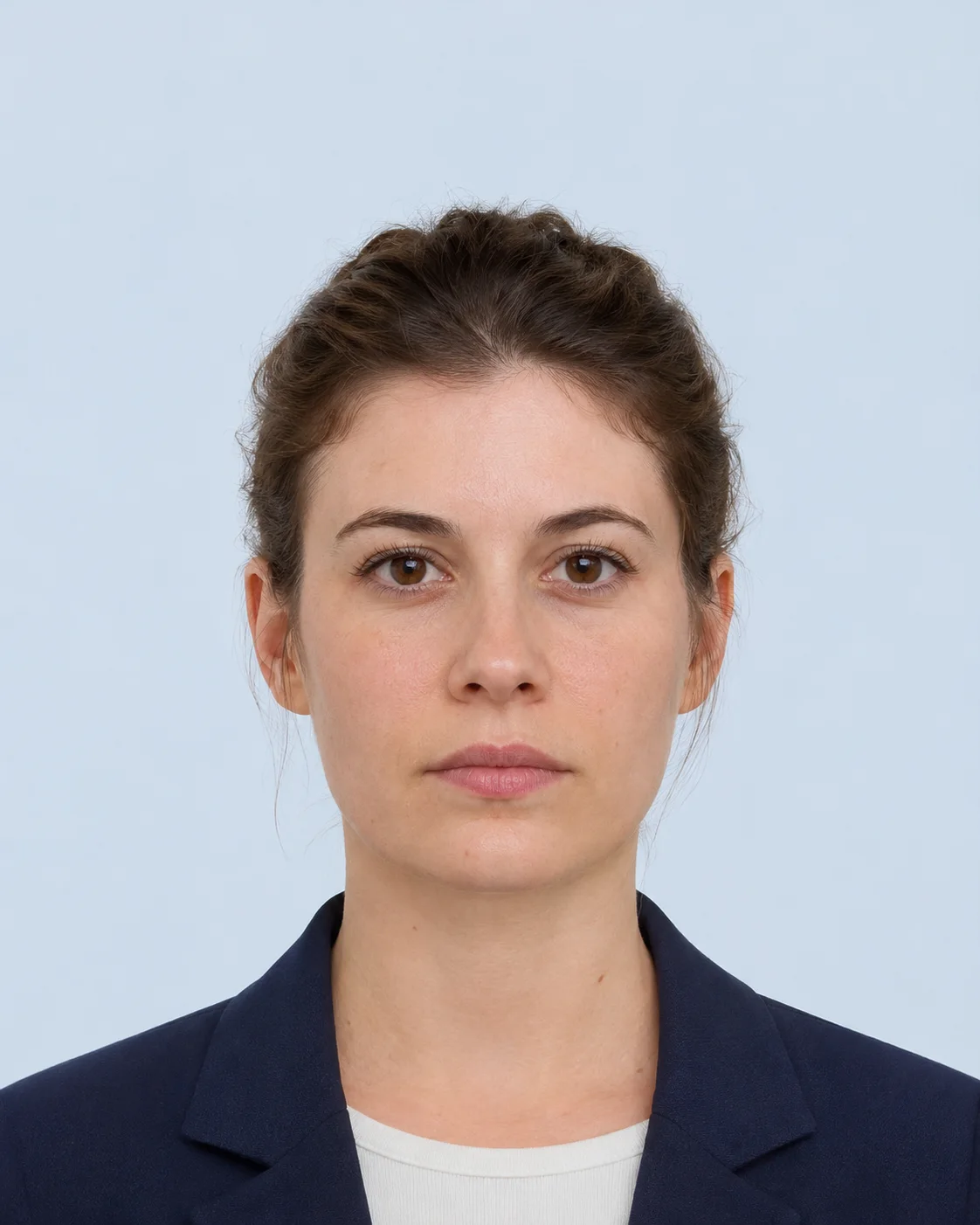
Example only · no user photo Keep the face natural
Search intent: passport photo background
What background color is acceptable for a passport photo?
Most passport and visa workflows want a plain, evenly lit light background, but the exact wording differs by authority. Changing the background can improve a preparation preview while still making the original photo unacceptable if editing is restricted.
Crop, rotate, and preview in the browser. No account is required for the local workflow.
Read the generated checklist and re-open the receiving authority’s guidance.
A practical answer to this search
Start with a naturally plain background
A neutral wall, evenly lit sheet, or other clean background usually creates fewer risks than a dramatic replacement. Avoid visible texture, furniture, shadows, gradients, and color casts around the hair and shoulders.
Background replacement is not always allowed
Some specifications require an original unaltered photograph or allow only crop and resize. Others describe a plain light-coloured background without authorising automated replacement. Read the editing rule before using any background tool.
Check edge quality and lighting
Even a permitted light background can fail when the subject has a halo, clipped hair, uneven brightness, or a cast shadow. Use the original photo preview and inspect the edges at full size before export.
Related long-tail searches
Find the correct passport photo requirement
A US passport photo, a DS-160 visa upload, a France Schengen visa photo, an Italy 35 × 40 mm photo, a Canada passport photo, and a UK digital passport photo are different workflows. Keep the document and channel visible when choosing a template.
Passport photo background guide
What background color is acceptable for a passport photo?: use the right step for your application
Most passport and visa workflows want a plain, evenly lit light background, but the exact wording differs by authority. Changing the background can improve a preparation preview while still making the original photo unacceptable if editing is restricted.
Even lighting
Reduce shadows and colour casts before editing.

Simple setup
A plain wall and indirect light are often safer.
Editing rule
Confirm that replacement is allowed for the document.
Read the background rule
Identify the allowed colour and whether editing is restricted.
Improve the source
Fix position and lighting before considering any replacement.
Inspect the edges
Zoom around hair, shoulders, and shadows before download.
Need the complete workflow?Open the country-specific passport photo editor and choose a requirement first.
Open passport photo maker Questions before you submit
Passport photo answers, in one clear place.
Use the selected country profile, then confirm the current receiving-authority rule before final upload or printing.
Open requirements guideDoes this tool upload my photo?
The browser editor works locally. Server processing is optional and creates a temporary result that expires automatically.
Can this tool guarantee acceptance?
No. The receiving authority or application portal has final acceptance and may change its requirements.
Which countries and sizes are supported?
Open the specification registry to compare the active country-specific templates and their official sources.
Can I use a phone photo?
Yes, if the photo is clear, front-facing, and large enough for the target output. The tool warns when the source may be too small.
Can I print the result at home?
The print-sheet tool prepares a digital sheet for local printing. Some authorities require professional photo paper or a studio, so check the selected source.
How long are server results kept?
Optional server-processed files and reports are temporary and are deleted after the configured one-hour TTL.