
Choose a formatStart with the document, not a generic crop.
Passport photo maker
Make Passport Photos Online
Passport Photo Size, Requirements & 4×6 Print Guide
Choose the country format, upload a clear portrait, and review the crop, background, and face position before exporting a digital file or 4×6 print sheet.
Local-first preview No subscription Country-specific sizes
Review the frameCheck face position and background before export.
Export what you needUse a digital file or a 4×6 print sheet.
Start with your document
Create passport photos online for United States at 2×2 in (51×51mm) with a clean background, digital file, and 4×6 print sheet.
- Size
- 2×2 in
- Resolution
- 300 dpi
- Background
- White
Preview and checks before payment · US$2.99 for final export · No subscription
 Take it with your phone· scan a QR code
Selected official format
2×2 in (51×51mm)
Included after unlock
Watermark-free digital file plus a 4×6 print sheet
Check before payment
Review crop, background, face position, and preview first
Before you download
Check Before You Export
See what a ready-to-review portrait looks like, then spot the common issues that can cause a passport or visa photo to be rejected.
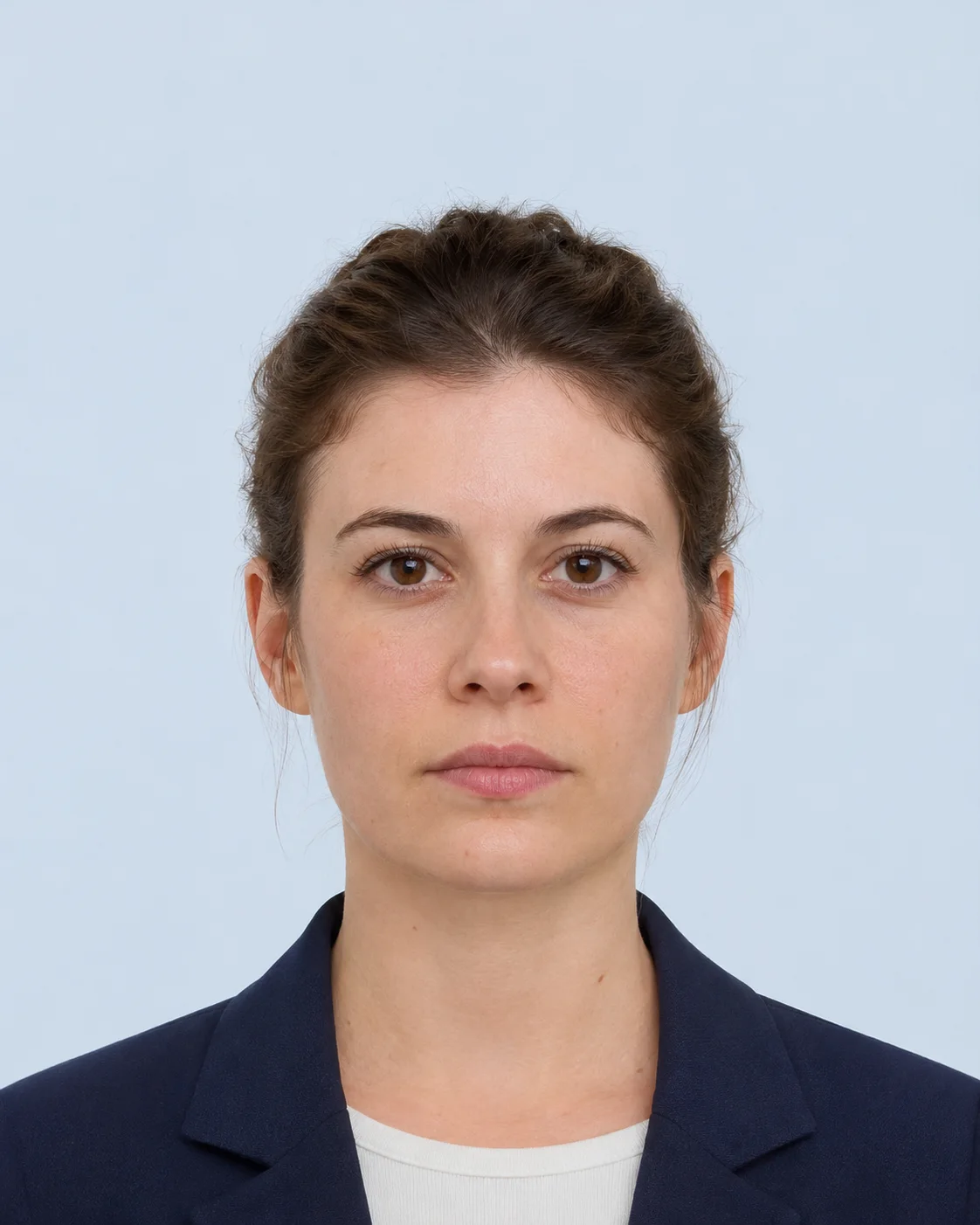
Ready for review

Uneven light
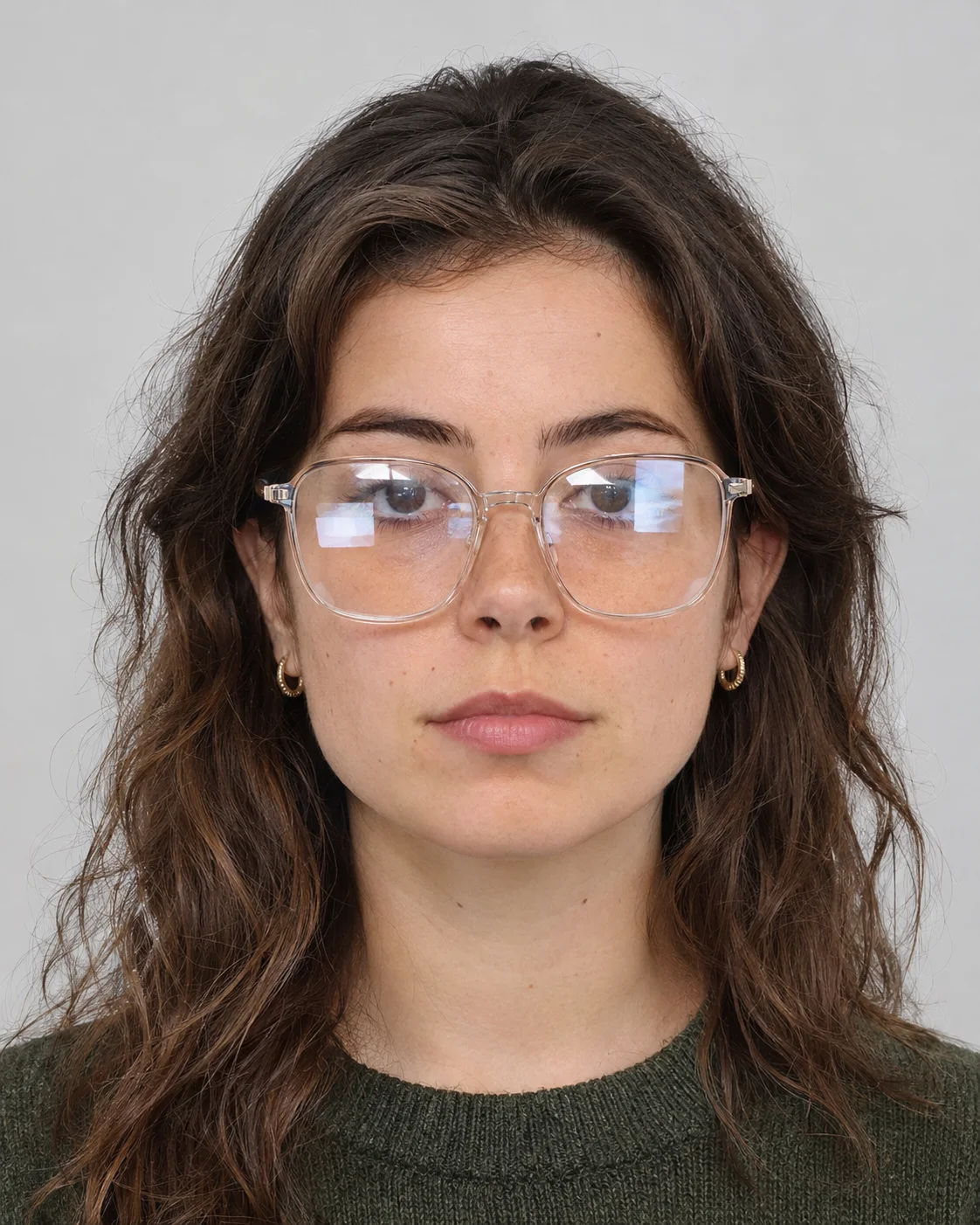
Glare on lenses
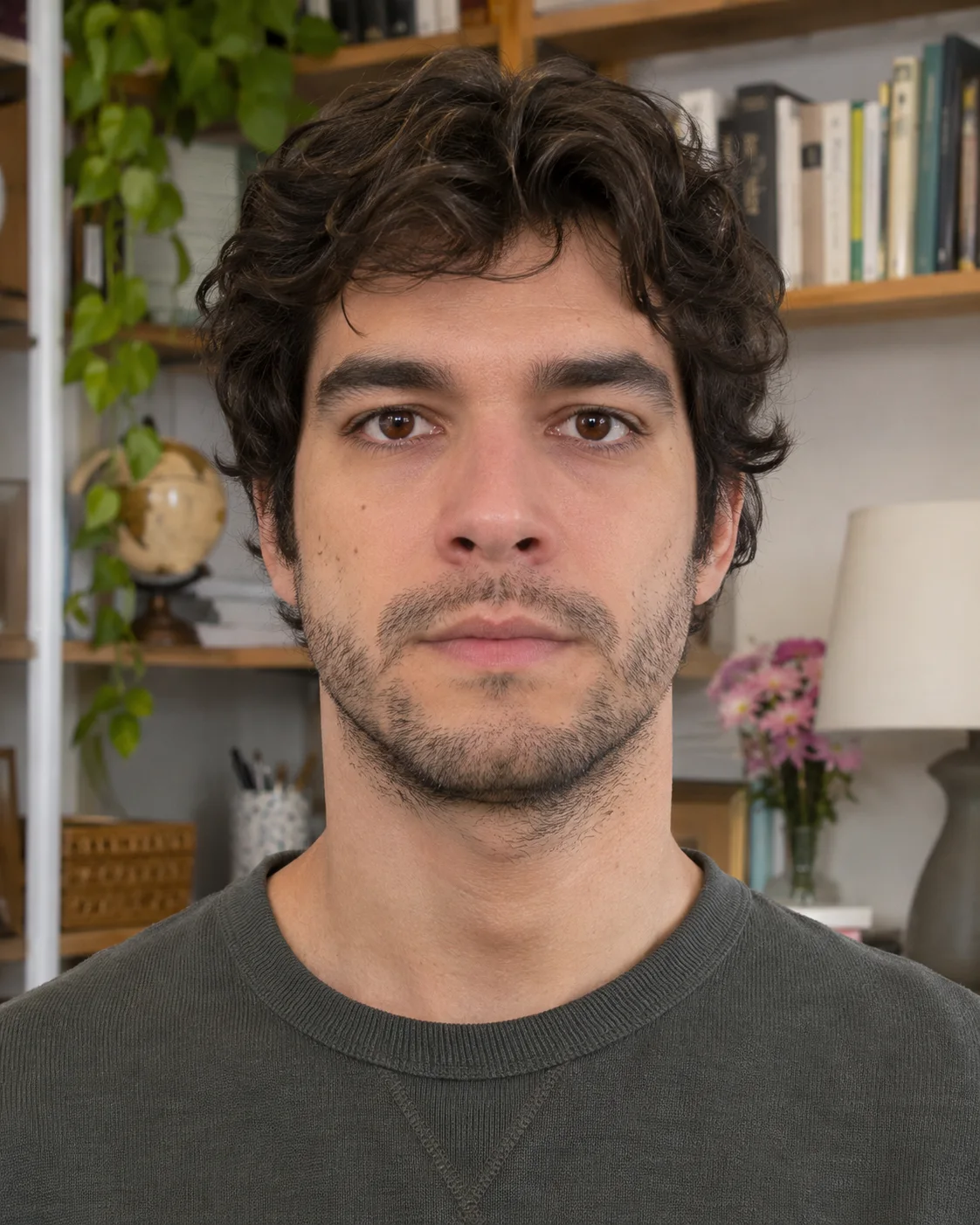
Busy background
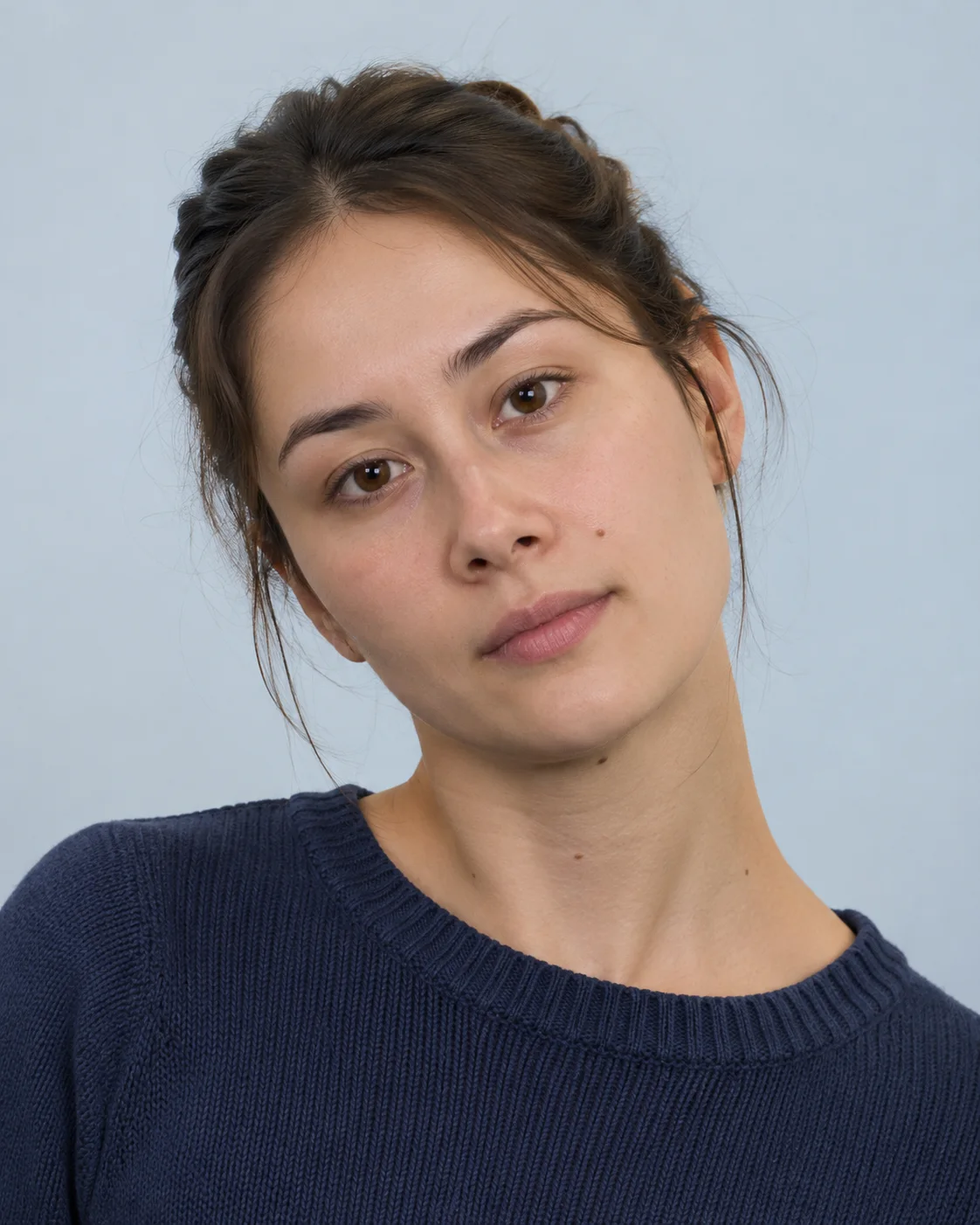
Head not level
A clearer preparation path
Everything important stays visible while you work.
The goal is simple: help you go from a phone photo to a printable passport image without guessing the size, crop, or background.
Country-specific size presets
Switch between common passport formats such as U.S. 2×2, 35×45 mm, China 33×48 mm, and Canada 50×70 mm.
Digital and print-ready output
Download a single image for online forms or a 4×6 print sheet for kiosks, pharmacies, and home printers.
Preview in your browser first
Check crop, background, and size requirements before you decide to export a final file.
How to Make Passport Photos at Home
Choose a preset, upload a clear photo, review the crop, and export the format you need for a passport application.
Choose a country preset
Select the passport format you need before you start cropping.
Upload a clear photo
Use a recent image with even lighting and enough room around the head and shoulders.
Check the crop and background
Review the face position, crop frame, and background guidance before you export.
Download Your Photo
Export a single file for digital submissions or a 4×6 print sheet for physical passport photos.
Check Your Passport Photos Before Download
Use the maker and the size guide together to avoid the most common rejection problems.
Exact outer dimensionsMatch the required size for the country or document type you are applying for.Face positionCheck that the head is centered and easy to crop into the target frame.Background guidanceReview whether the document needs white, light grey, blue, or another clean backdrop.Biometric visibilityKeep the eyes visible, remove glasses where required, and avoid shadows across the face.Print layoutGenerate a standard 4×6 sheet when you need physical passport photos.Size guide linksJump to country pages and unit pages when you need more specific size requirements.
Questions before you submit
Passport photo answers, in one clear place.
Use the selected country profile, then confirm the current receiving-authority rule before final upload or printing.
Open requirements guideCan I make a passport photo online without uploading it?
Yes. IDPicMaker prepares the selected image in your browser for this workflow. The source photo is not sent to the IDPicMaker server by the editor.
Is this passport photo maker free to use?
The current browser editor is free to use and does not require an account. Your receiving authority still decides whether the final photo is acceptable.
Which passport and visa photo sizes are supported?
The local registry includes 85 passport country formats and 86 visa formats, including the Schengen 35 × 45 mm regional format. Each entry keeps its document type, channel, dimensions, source links, and limitations together.
Can I print several passport photos on one sheet?
For print-based templates, you can preview a 4R, A4, or US Letter sheet and use the browser print dialog at 100% scale. Check the paper and print rules for your application before submitting.
Does the tool replace the background or retouch my face?
No. The current editor focuses on crop, resize, rotation, and local preparation. It does not claim to approve facial expression, lighting, glasses, shadows, or background compliance.
Will the photo definitely be accepted by a passport or visa office?
No tool can guarantee acceptance. Requirements can change by authority, mission, application channel, and document type, so always open the official source linked on the selected specification page.